Axios NPM package has been compromised and is installing malware
By Paul McCarty
If you're a JavaScript developer, there's a good chance you use Axios. With over 40 million weekly downloads, it's one of the most popular packages in the entire npm ecosystem. Early this morning, it was compromised.
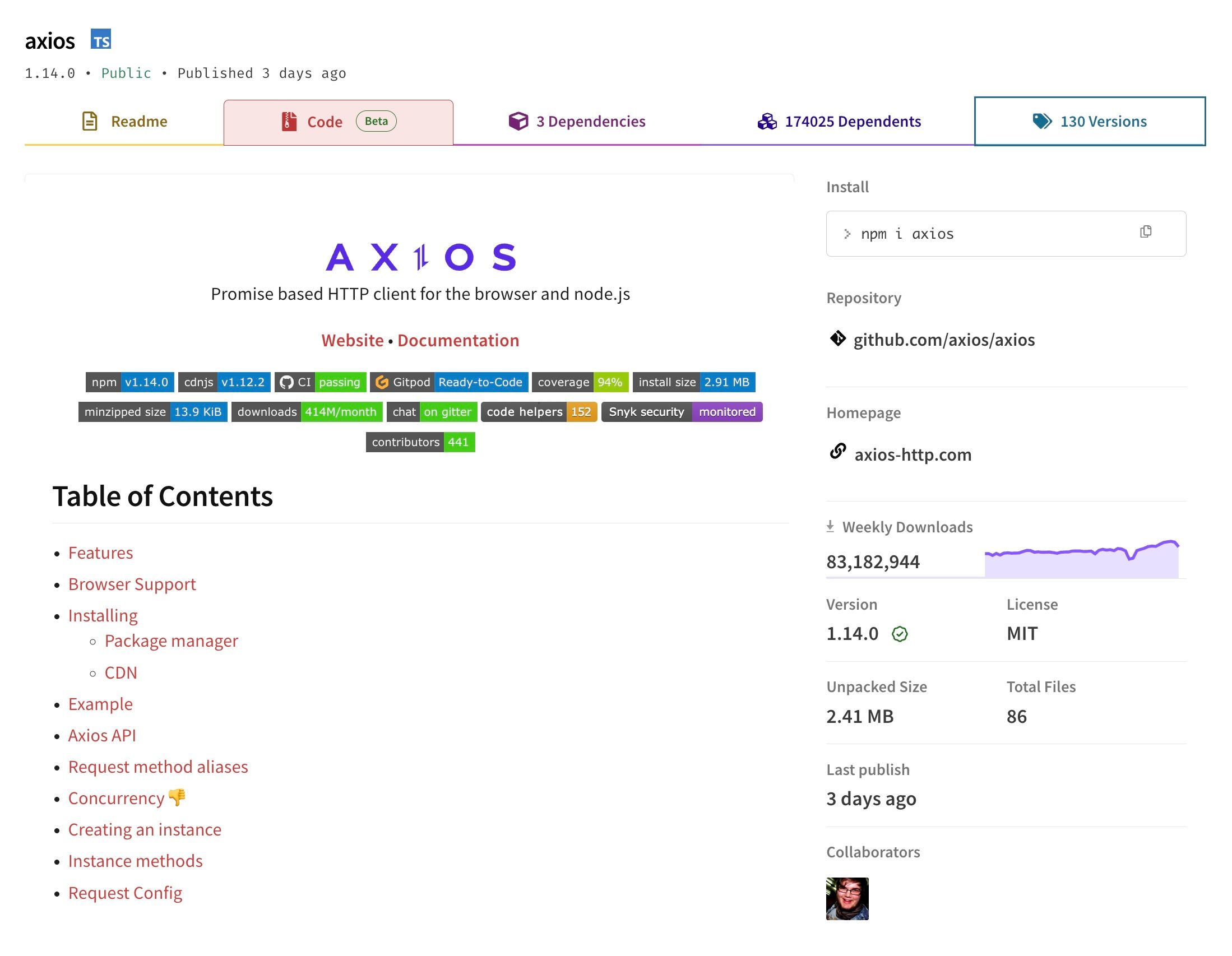
Here's what happened, who's affected, and what you should do right now.
What Happened
In the early hours of March 31, 2026, an attacker hijacked the npm account belonging to Axios maintainer Jason Saayman (jasonsaayman). Using the compromised credentials, the attacker published two malicious versions of Axios directly to npm:
Both versions contained a new dependency called plain-crypto-js -- a fake package designed to look like the legitimate crypto-js library. This package was pre-staged by the attacker the day before under a separate throwaway account.
When developers installed either of these versions, the malicious dependency silently ran a script that downloaded and executed a Remote Access Trojan (RAT) on their machine. The entire infection process takes about 15 seconds from npm install to full compromise.
The attack was detected and responded to within roughly 3 hours. npm administrators removed the malicious versions and revoked all associated tokens by 03:40 UTC.
How the Attack Worked
The attacker didn't need to touch the Axios source code on GitHub. Instead, they went straight for the npm registry -- the place where packages are actually downloaded from. This is an important distinction: the GitHub repository was never compromised. All commits there remain legitimate and GPG-signed.
The telltale sign was in how the packages were published. Legitimate Axios releases go through GitHub Actions with OIDC provenance signing. The malicious versions were pushed manually via the npm CLI with no provenance attestation at all.
Once installed, the hidden plain-crypto-js package used npm's postinstall hook to automatically execute a heavily obfuscated script. That script detected your operating system and downloaded a platform-specific payload:
com.apple.act.mond)/tmp/ld.pyAfter downloading the payload, the script deleted itself and replaced its own package.json with a clean version -- meaning if you went looking in node_modules after the fact, you'd find no obvious evidence of compromise.
The Attacker Also Hijacked GitHub
The attacker didn't just compromise the npm account. They also gained access to jasonsaayman's GitHub account, which they used to delete an issue that had been filed to report the compromise. While another collaborator (DigitalBrainJS) was actively trying to respond to the incident, the attacker was using admin privileges to cover their tracks.
DigitalBrainJS didn't have admin access to revoke the compromised account's permissions and had to escalate directly to npm staff to get the malicious packages removed.
Am I Affected?
You may be affected if:
axios@1.14.1 or axios@0.30.4package-lock.json or node_modules contains plain-crypto-jsQuick check:
npm ls plain-crypto-js npm ls axios | grep -E "1\\\\.14\\\\.1|0\\\\.30\\\\.4"
If either command returns results, your environment may have been compromised.
What to Do Right Now
1. Check your systems. Run the commands above across all your projects and CI/CD environments.
2. Block the C2 server. The malware phones home to sfrclak.com (IP: 142.11.206.73) on port 8000. Block this at your firewall or DNS level immediately.
3. Look for the payloads. Check for these files on potentially affected machines:
/Library/Caches/com.apple.act.mond%PROGRAMDATA%\\\\wt.exe and %PROGRAMDATA%\\\\system.bat/tmp/ld.py4. Rotate credentials. If you were affected, assume that any credentials accessible from the compromised machine (SSH keys, API tokens, cloud credentials, environment variables) have been stolen. Rotate everything.
5. Update Axios. The safe version is axios@1.14.0. Make sure your lockfiles pin to this version.
The Bigger Picture
This attack is a textbook example of why software supply chain security matters. The attacker didn't find a zero-day or write an exploit -- they stole one person's credentials and used the trust that npm places in package maintainers to push malware to millions of potential victims.
A few things that could have helped:
ignore-scripts=true in .npmrc: This prevents postinstall hooks from running automatically, which would have stopped the payload from executingnpm ci instead of npm install and reviewing lockfile changes in pull requests can catch unexpected dependency additionsThe window of compromise was mercifully short -- about 3 hours -- thanks to fast detection and response from the Axios team and the npm security staff. But even a 3-hour window for a package with 40 million weekly downloads can have an enormous blast radius.
If you maintain popular open source packages, take this as a reminder to lock down your accounts, enable MFA everywhere, and consider publishing through CI/CD with provenance signing rather than from your local machine.